
Tech Stack
Overview
localnet-control is a lightweight LAN sharing tool for development workflows. It exposes local services to devices on the same network without requiring internet access.
The CLI supports fast sharing, QR output for mobile access, service discovery, and request visibility using HTTP logs. It is designed for practical day-to-day frontend and API collaboration.
Security and control features include token-based access, allow/deny IP and CIDR filters, and optional Cloudflare tunnel support for temporary public URLs when needed.
The project is fully released on PyPI as localnet-control, making installation and updates straightforward for teams through standard Python tooling.
Key Achievements
- Published package: localnet-control on PyPI
- LAN-first TCP proxy for sharing localhost apps quickly
- Token auth and IP/CIDR allow-deny access controls
- Optional Cloudflare tunnel support for public sharing
- QR code output and LAN discovery for team workflows
- Linux-first CLI with practical commands for dev environments
- README and source: github.com/hoysengleang/localnet
Project Highlights
What It Does
localnet-control exposes localhost services to your LAN with a lightweight TCP proxy, so teammates and mobile devices can access your dev app instantly without internet dependency.
Install and Quick Start
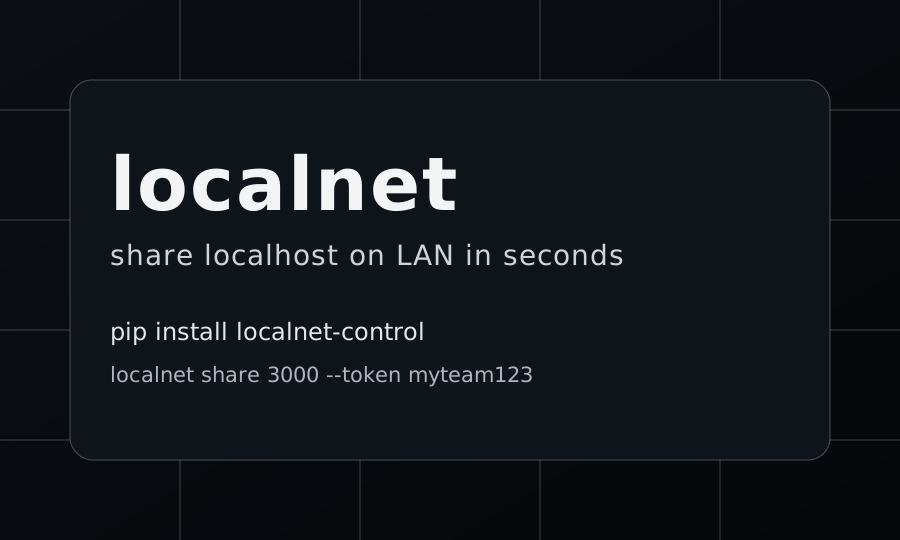
Install with `pip install localnet-control`, start your app locally, then run `localnet share 3000` to generate a LAN URL and QR code. You can also run from source via the GitHub repository for development mode.
Security and Access Controls
The CLI supports token-based access (`--token`), allow/deny rules for IP and CIDR (`--allow` / `--deny`), live HTTP logs, and optional public sharing with Cloudflare Tunnel (`--tunnel`) when external access is needed.
Release and Ecosystem
The package is published on PyPI as localnet-control (latest 0.2.0 released on March 4, 2026), with Linux-first support, clear command workflow (`share`, `list`, `stop`, `scan`), and full documentation in the project README.